Construction customer statements: reconcile the account before asking for payment
Reconcile construction customer statements across two cutoffs with invoice, credit and receipt bridges, project subtotals and a blank review worksheet.
Direct answer
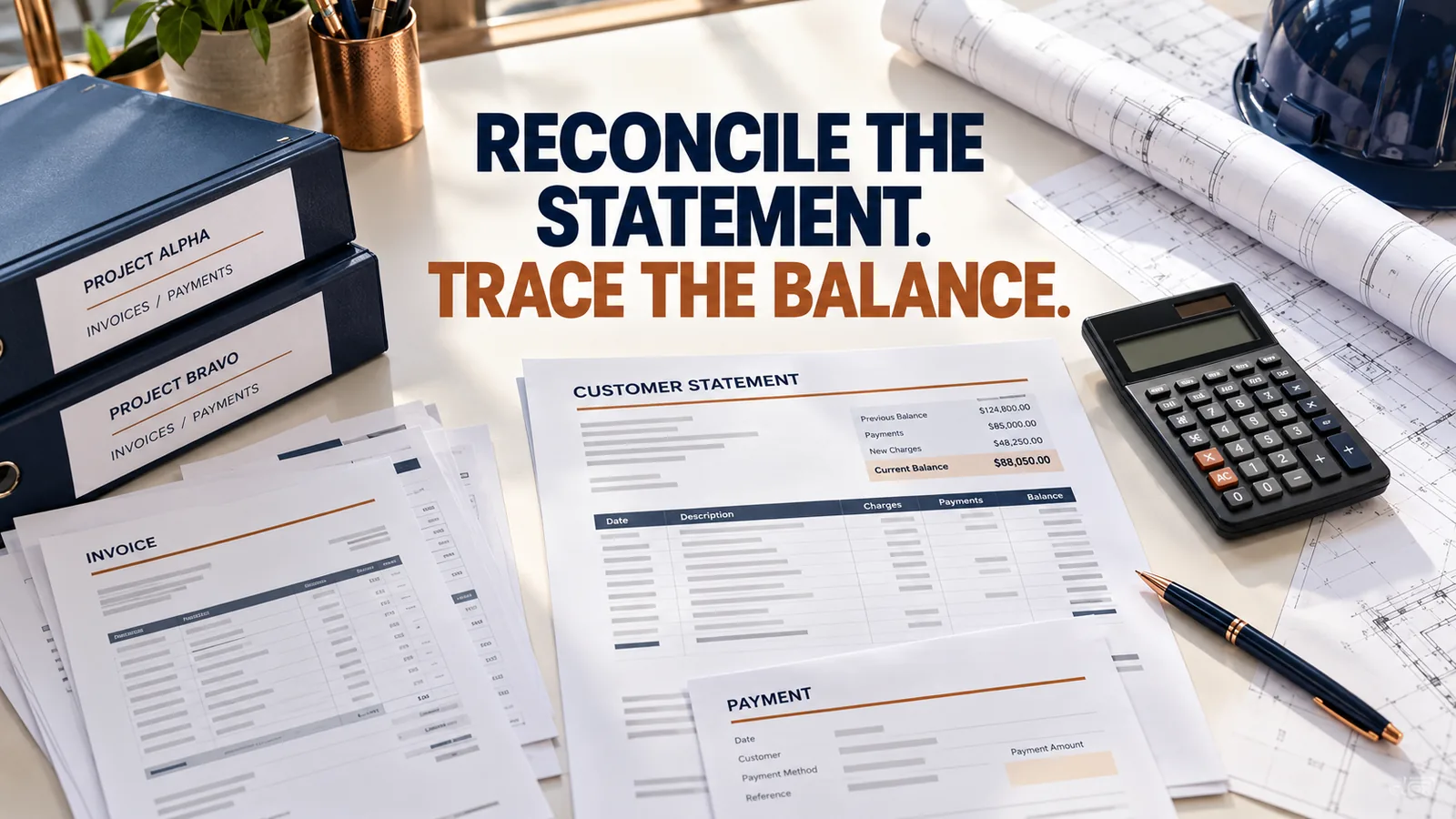
A customer statement summarizes existing account activity; it should not create a second invoice for the same work. Choose the statement purpose and cutoff, reconcile each project balance, separate unapplied receipts and retainage, and show the exact records behind any difference.
A statement needs a purpose before it needs a total
Consider an illustrative Texas subcontractor with two jobs for one contractor. The office sends an account statement while the customer’s project manager asks for a copy of just one unpaid invoice. Both documents can be useful, but they answer different questions. A statement that silently mixes jobs, credits and old balances can make a straightforward payment request harder to review.
Decide whether you need a list of open items, a history of transactions during a period or an opening-to-closing balance bridge. Intuit’s official customer-statement guidance describes those different formats. Its labels illustrate the distinction; the review below can also be performed in an approved accounting system or spreadsheet.
The aging guide sorts open balances under a date policy. This guide instead checks whether a customer-facing statement agrees with the underlying invoices and allocations. A statement is a summary of those records, not new earned work.
Fix the account scope and cutoff
Record the customer entity, included project references, statement date and transaction period. Make clear whether the statement includes all projects or only one contract. A repeat customer’s separate company or location should not be merged just because staff recognize the trading name.
Use the same cutoff when comparing the statement with your ledger. A receipt recorded after that date belongs in the subsequent review unless you issue a clearly labeled correction. Save a dated copy of what was sent so later changes do not erase the evidence of the original communication.
Check the statement configuration rather than assuming every report includes all subaccounts. Intuit notes that some sub-customer activity appears through a parent customer depending on billing settings. If a project is absent, establish whether the problem is the chosen scope, a posting or a report filter.
| Check | Record to compare |
|---|---|
| Customer / account scope | Entity and included projects |
| Cutoff / reporting period | Dated ledger extract |
| Open invoices | Invoice number and remaining amount |
| Credits | Posted credit reference and allocation |
| Receipts | Payment record and invoice allocation |
| Unresolved items | Separate exception and assigned owner |
Worked example: two projects, one account total
Original illustrative assumptions: Job Cedar has invoices of $8,000 and $4,000. The $8,000 invoice has a $3,000 allocated receipt and a $500 posted credit; the $4,000 invoice is unpaid. Job Oak has one $6,000 invoice with a $2,000 allocated receipt. There is no separate retainage, tax adjustment, interest or opening balance in this example.
Job Cedar has $8,500 open: $4,500 on its first invoice and $4,000 on its second. Job Oak has $4,000 open. The customer account total is $12,500. Show the project subtotal as well as the account total so a reviewer can find the right invoice without treating the statement as another bill.
If a further $1,000 arrives after the saved cutoff, do not quietly change the earlier statement. Record its allocation and include it in the next statement, or issue a dated corrected version with an explanation. The arithmetic should remain reproducible from the records available at the stated cutoff.
| Project / invoice | Invoice amount | Allocated receipts | Posted credits | Open amount |
|---|---|---|---|---|
| Cedar / C-101 | $8,000 | $3,000 | $500 | $4,500 |
| Cedar / C-102 | $4,000 | $0 | $0 | $4,000 |
| Oak / O-201 | $6,000 | $2,000 | $0 | $4,000 |
| Account total | $18,000 | $5,000 | $500 | $12,500 |
Carry the reconciled account into the next statement
Continue the fictional Cedar/Oak example at a later cutoff, October 20. The saved October 13 statement remains $12,500. During October 14–20, issue Oak invoice O-202 for $2,000, receive and allocate R-102 of $1,000 to C-101 and R-103 of $500 to O-201, and post an authorized $300 credit CM-102 to C-101. Assume no opening items beyond the earlier example, no tax, interest or other adjustments, and no new withholding in these net invoice figures. All figures are illustrative USD amounts.
The balance-forward bridge is $12,500 opening + $2,000 new invoice − $1,500 new allocated receipts − $300 new approved credit = $12,700 closing. Do not subtract the earlier $5,000 receipts or $500 credit again: they are already included in the $12,500 opening balance.
The open-item cross-check uses original invoice values instead: $20,000 invoices to date − $6,500 allocated receipts to date − $800 posted credits to date = $12,700. C-101 is now $3,200, C-102 stays $4,000, O-201 is $3,500 and O-202 is $2,000. Cedar totals $7,200 and Oak $5,500. Use either the opening-plus-new-movements bridge or the full original-transactions bridge; mixing their bases counts older adjustments twice.
For this later-cutoff extension only, assume a separately documented $1,500 held retainage record exists outside the four net invoice amounts. Label it separately and reconcile $12,700 open invoices + $1,500 held = $14,200 gross open categories. Do not add it if your source invoice balances already include that same retainage. An asserted $700 deduction remains disputed within C-102’s $4,000, so it is a subset of the $12,700 invoice total, not another debt or an approved credit. A pending $200 credit request is not posted in this example.
Attach R-102/ALLOC-102, R-103/ALLOC-103 and CM-102 approval references to the review. Preserve the original invoice versions and both dated statement copies. If the customer’s report stops on October 13, first align cutoffs before calling its $12,500 a posting error. If an allocation remains unclear, show it as an exception with an owner rather than guessing a reduction.
Use the partial-payment example for allocation corrections, the retainage ledger for separate held/released balances, and the credit-memo guide for authorized adjustments. This is an external accounting review method; it does not promise an automatic statement, credit-memo or dispute module in Texas Notice Tracker.
| Invoice at October 20 | Original invoice | Receipts to date | Credits to date | Open amount |
|---|---|---|---|---|
| Cedar / C-101 | $8,000 | $4,000 | $800 | $3,200 |
| Cedar / C-102 | $4,000 | $0 | $0 | $4,000 |
| Oak / O-201 | $6,000 | $2,500 | $0 | $3,500 |
| Oak / O-202 | $2,000 | $0 | $0 | $2,000 |
| Account invoice total | $20,000 | $6,500 | $800 | $12,700 |
Resolve a disagreement at invoice level
Ask which invoice, credit or payment the customer believes is missing. Compare the reference, amount, project and transaction date. A disagreement over the total often becomes manageable when it is tied to one unmatched receipt or credit.
Use the remittance allocation guide when one receipt covers several invoices. Use the credit-memo guide when an adjustment appears on both the statement and invoice. Do not subtract a credit a second time just because the customer mentions it in an email.
If the difference is a disputed scope or deduction rather than an omitted posting, isolate it in the invoice dispute log. Keep the claimed amount, the customer’s position and the evidence distinct. Avoid changing a valid historical record simply to make both totals match.
Send a factual summary with traceable supporting records
Use an original message such as: “Attached is the account statement as of October 13, showing $12,500 across Job Cedar and Job Oak. Please identify any invoice or payment allocation that differs from your records so we can reconcile the specific item.” Replace the example with actual verified facts before sending.
Confirm the correct authorized recipient and attachment version. Link to the underlying invoice copies through approved document-sharing controls. A statement sent to a project manager may not reach the accounts-payable contact responsible for that customer account.
Preserve the sent copy, delivery event and response. Use the payment follow-up log for the next action. Keep work-month and legal review separate; an account statement is not a substitute for a reviewed statutory notice.
Use a statement review worksheet
Download the blank customer statement review sheet (CSV). Save a dated copy with the supporting records after your review.
The accompanying customer-statement review CSV has fields for the cutoff, project, invoice, posted receipts, posted credits and unexplained difference. Use one row per invoice and reconcile project subtotals to the overall customer balance.
Keep retainage, pending changes and unapplied receipts identifiable under your accounting policy. The blank worksheet is a review aid, not an accounting integration, an automatic collection tool or a prescribed financial-reporting method.
For the later-cutoff example, use one row for each of C-101, C-102, O-201 and O-202. Enter original invoice, cumulative posted receipts and cumulative posted credits consistently, then independently check the open balance against the table above. Do not enter the $12,500 opening statement as an additional invoice row. The CSV is a static blank review sheet with no formulas; keep separate retainage and exception schedules with the reviewed copy.
- Confirm the customer and included projects.
- Match report cutoffs before comparing totals.
- Tie every open amount to an invoice.
- Separate posted adjustments from promises.
- Save the exact statement version sent.
Customer statement questions
Is a statement another invoice? It summarizes account records. Do not post its total as a second sale or a new claim for work already invoiced.
Can I send a statement while one item is disputed? Identify the disputed item accurately and follow the appropriate review process. Do not present an unresolved deduction as an agreed credit.
Why does the customer’s total differ? Check cutoff, project scope, receipt allocations and credits before assuming either party has used the wrong arithmetic.
Does sending a statement restart a legal deadline? This guide does not establish that effect. Keep applicable notice and filing review tied to its own facts and rules.
Related reading
Turn project facts into a review queue.
Keep unpaid work months, parties, invoices, documents and estimated review dates in one private workspace.
Create your free accountOfficial sources
Source note: Reviewed October 22, 2026. Verify the current statute and obtain qualified advice for a specific project or claim.